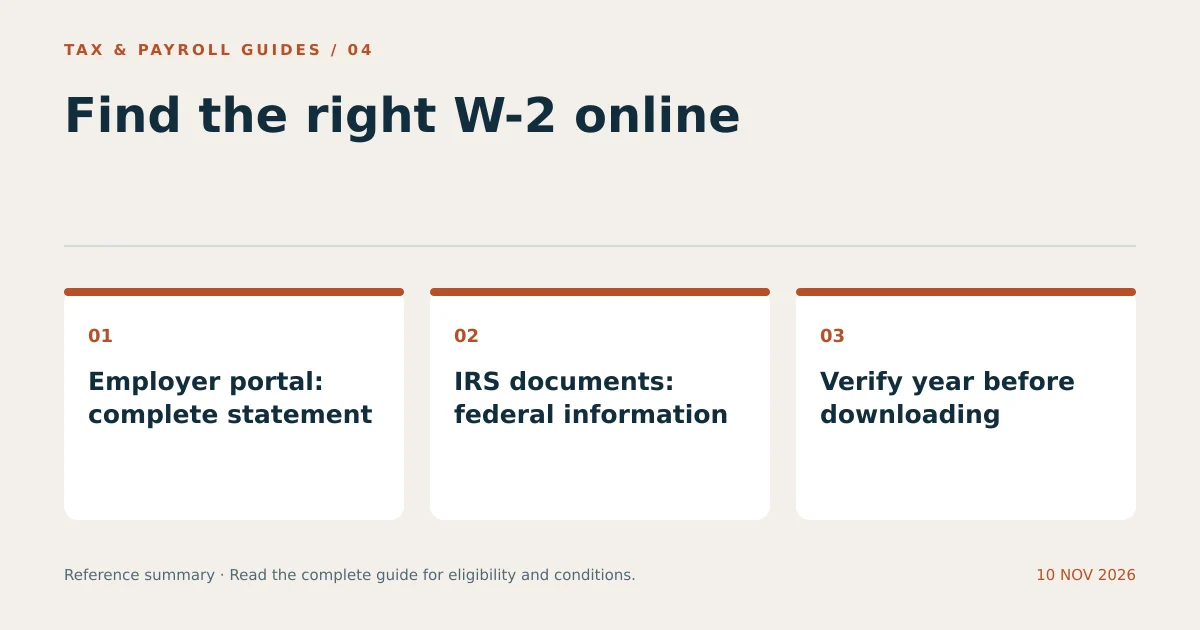
W-2 Online access usually starts with your employer’s authorized payroll portal. Select the correct tax year and download the completed statement. IRS Individual Online Account also provides available information return documents and wage and income transcripts, but those records have different coverage and limits.
There is no universal public search that retrieves every person’s W-2. Access depends on employer participation, document release, account verification, and the tax year requested. A blank IRS W-2 PDF contains no personal payroll information.
Where Can You Find a W-2 Online?
You can find a W-2 online through the employer’s payroll system, an authorized document service, or available IRS account records. The appropriate route depends on whether you need the complete employer statement or federal information.
| Route | What it can provide | Main limitation |
|---|---|---|
| Employer payroll portal | Employer-issued W-2 and available corrections | Employer release and access settings control availability. |
| Authorized tax-document import | Participating employer information | Coverage is limited to supported employers and records. |
| IRS information return documents | Available reported W-2 information in document format | State and local information is not included. |
| IRS wage and income transcript | Reported federal information from multiple payers | Not a photocopy and can be incomplete during processing. |
Keep these outputs distinct. A tax preparer’s saved return is another record, but it may not contain the original W-2 image. Ask what the recipient requires before treating one document type as a substitute for another.
How Do You Download Your W-2 from an Employer Portal?
To download your W-2, use the sign-in route confirmed by payroll, open the tax-document section, and select the employer and wage year. Save the original PDF when that option is available.
- Open the employer-approved payroll address or application.
- Sign in using your own credentials and required verification.
- Open the tax statements or year-end documents section.
- Select the correct employer profile and tax year.
- Review whether the file is an original statement or a correction.
- Download the complete PDF and check that every page is readable.
- Store the file securely and sign out.
Menus vary by product and employer configuration. A portal can show pay statements without exposing year-end forms in the same section. Ask payroll for the exact navigation route rather than searching unrelated websites for a document download.
What Information Do You Need to Access a W-2 Online?
You need the credentials and identity checks required by the authorized service. Employer systems can also require a registration code, employee number, or invitation before first access.
Use the personal email address and phone number recorded in the account when completing recovery. A former employee’s work email may no longer receive verification messages. Contact payroll to update access through its verified procedure.
Never give a third-party search site your payroll password or one-time authentication code. A legitimate employer can explain the approved access process without asking you to send the password itself. The W-2 contains sensitive identifiers and wage information, so download it only on a device you control.
Can You Find a W-2 Online Through the IRS?
Yes. IRS Individual Online Account can show available information return documents, including W-2s, and provides access to wage and income transcripts. These are separate record views with different layouts and coverage.
Start at IRS.gov and follow its Individual Online Account sign-in process. Current IRS guidance offers Login.gov or ID.me, subject to each provider’s identity-verification requirements. After signing in, look in the tax-records area for information return documents or transcripts.
According to the IRS account FAQ, online information return documents display federal information. State and local fields are grayed out, and other unavailable fields can also be blank. Obtain the complete employer-issued statement when those details are required. Documents appear as records reach the IRS; a missing entry does not prove that no wages were paid.
How Is a Wage and Income Transcript Different from a W-2?
A wage and income transcript is an IRS summary of reported information, not a scan of your employer’s original W-2. It can contain records from several employers and other payers.
IRS Topic 159 explains that W-2 state and local information is excluded. Transcript availability generally covers up to 10 tax years, but current processing-year data may remain incomplete until reports arrive. Select the wage and income transcript, not a tax account transcript, when the objective is employer-reported wage data.
For example, someone verifying a past federal wage amount may find the transcript useful. Someone preparing a two-state return also needs the applicable state wage and withholding details. Those are different document needs even when they concern the same job.
Why Is Your W-2 Missing from the Portal?
A missing W-2 usually requires checking release timing, employer profile, selected year, and account permissions. Login success alone does not establish that the document has been published.
- Confirm that payroll has released that tax year’s statements.
- Check a former-employer profile rather than only the current employer.
- Check whether the business changed payroll providers.
- Check whether a corrected form replaced the original display.
- Ask whether former employees use a separate access route.
Distinguish a blank results screen from a download failure. If a document appears but does not open, use the portal’s supported browser and download controls. Avoid repeatedly creating new accounts; duplicate registrations can make recovery more difficult.
What Should You Check After Downloading a W-2?
Check the tax year, employee identity, employer, amounts, and all pages before using the downloaded file. A readable document can still be the wrong year’s statement.
Compare year-to-date wage and withholding information with payroll records. Check for duplicate copies from different download routes. Receiving the same W-2 from a portal and the IRS does not mean those wages belong on the return twice.
Use a descriptive filename, retain any correction with the original, and send tax documents through a secure transfer method when working with a preparer. Keep login credentials private even when the preparer is authorized to handle your return.
What Can You Do When Online Access Fails?
Request a replacement directly from payroll when online access fails. Electronic convenience does not remove the employer’s responsibility to furnish the statement through an appropriate method.
Explain whether the problem concerns sign-in, an unreleased form, a missing year, or an incorrect statement. Include your employment dates and requested tax year. A specific request is easier to route than a general report that the website does not work.
What Other Questions Do Readers Ask?
Can I Download My W-2 Using Only My Social Security Number?
A Social Security number alone does not authorize public access to a W-2. Legitimate services require additional account or identity verification.
Can My Spouse See My W-2 in Their IRS Account?
IRS information return documents are associated with the person named on the document. Each spouse uses their own account to retrieve those records, even when filing jointly.
Does an Online W-2 Replace a State Wage Statement?
An employer-issued complete W-2 can contain state information. The IRS online information return document and wage transcript do not include the complete state and local reporting fields.