Tax Return Calculator estimates the difference between modeled federal income tax and the payments and eligible credits applied against it. Excess payments generally indicate a potential refund; a shortfall indicates potential tax due. This tool uses a limited 2026 ordinary-income model.
The IRS’s 2026 rate schedules provide the bracket inputs. This page does not calculate eligibility for credits, deductions, or filing status. Enter only amounts you have independently established. Calculations run in your browser and do not require a Social Security number or bank details.
How Do You Use This Tax Return Calculator?
Select a filing status, enter annual ordinary income and applicable deductions, then enter federal income tax payments and eligible credits. Use annual totals for tax year 2026 rather than one paycheck or a prior-year refund.
Scope: This estimate applies 2026 ordinary-income brackets, a basic standard deduction or a user-entered deduction total, and manually entered credits and payments. It excludes capital-gain rate calculations, self-employment tax, alternative minimum tax, net investment income tax, Additional Medicare Tax, state tax, and other special calculations. It does not prepare or file a return.
What Figures Belong in Each Calculator Field?
Each field represents a separate part of the tax calculation. Keep deductions, credits, and payments separate to avoid counting one benefit twice.
| Input | What to enter | Common mistake |
|---|---|---|
| Filing status | Status for which you qualify for 2026 | Choosing the lowest-tax option without meeting its rules |
| Annual ordinary income | Adjusted ordinary income before the deduction entered below | Using take-home pay or including preferentially taxed gains without adjustment |
| Deduction | Basic standard deduction or independently calculated eligible total | Adding standard and itemized deductions together |
| Federal withholding and payments | Federal income tax withheld and applicable estimated payments | Including state tax or ordinary Social Security withholding |
| Nonrefundable credits | Eligible amount usable against modeled income tax | Treating unused credits as automatically refundable |
| Refundable credits | Independently determined eligible refundable amount | Assuming dependents automatically qualify for a maximum credit |
Use W-2 Box 1 as the starting wage figure when appropriate. Do not subtract a conventional pretax retirement deferral again if it has already reduced that box. Interest and other ordinary income can also affect the annual total. A complex return needs a calculation that preserves every income category.
How Does the Tax Return Calculator Estimate a Refund?
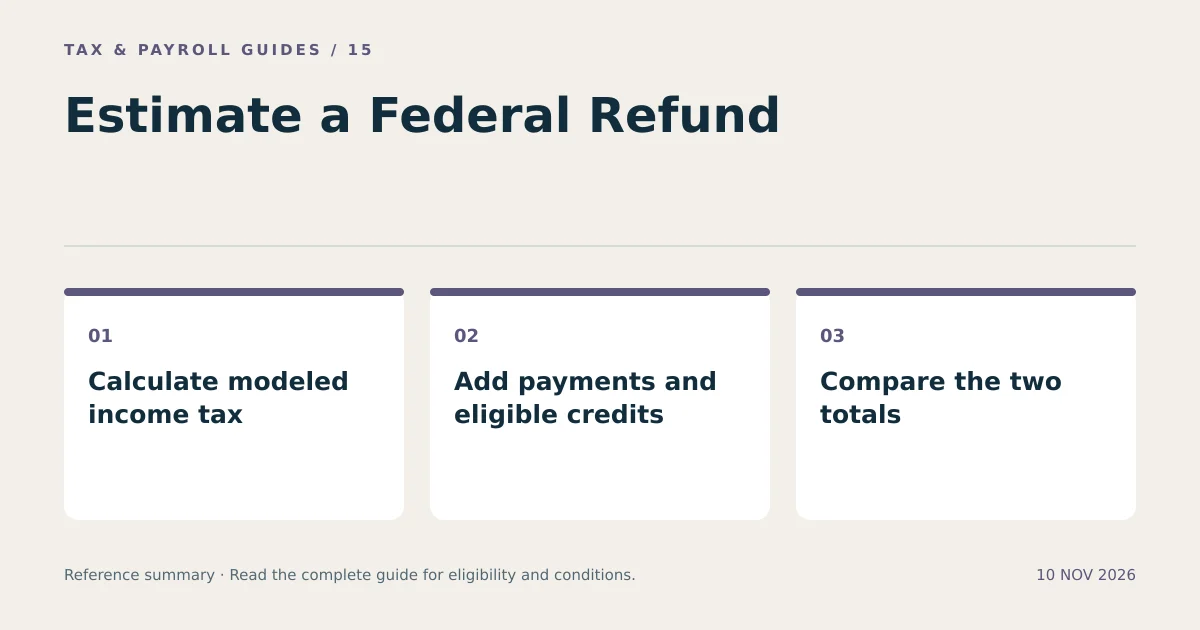
The calculator computes ordinary income tax, reduces that tax by entered nonrefundable credits without going below zero, and compares the result with payments plus entered refundable credits.
- Subtract the selected deduction from modeled annual income, with a minimum taxable income of zero.
- Apply each 2026 bracket to its portion of taxable income.
- Subtract eligible nonrefundable credits, subject to the modeled tax limit.
- Add federal income tax withholding, estimated payments, and entered refundable credits.
- Subtract modeled tax from that payment total.
A positive difference is an estimated refund. A negative difference is estimated tax due. Actual return calculations can differ because of tax-table rounding, additional taxes, eligibility restrictions, and other inputs excluded here.
What Does a Simple 2026 Refund Example Look Like?
A hypothetical single filer with $70,000 of ordinary income and the basic $16,100 deduction has $53,900 of modeled taxable income. The progressive bracket calculation gives $6,570 before credits and other taxes.
| Scenario | Modeled income tax | Federal payments | Estimated result |
|---|---|---|---|
| No credits; higher withholding | $6,570 | $7,000 | $430 refund |
| No credits; lower withholding | $6,570 | $5,500 | $1,070 due |
| $500 eligible nonrefundable credit | $6,070 | $7,000 | $930 refund |
These are illustrative calculations, not predictions for everyone earning $70,000. The third scenario assumes the taxpayer actually qualifies for the entire $500 credit. The calculator does not create that eligibility.
Why Is a Tax Refund Different from Your Tax Bill?
A refund measures overpayment after the return calculation; it does not measure the year’s tax by itself. Two people with the same tax can receive different refunds because they prepaid different amounts.
Suppose both taxpayers owe $4,000. One prepaid $4,500 and receives a $500 refund before other adjustments. The other prepaid $3,500 and owes another $500. Their underlying tax is equal. The difference is payment timing.
Increasing withholding can increase a later refund without reducing tax. Reducing withholding can increase current take-home pay while reducing a later refund or creating a balance due. Evaluate both the annual estimate and the remaining pay periods before changing withholding.
How Can You Estimate Annual Income Before Receiving a W-2?
Combine year-to-date taxable wages with expected taxable wages for the rest of the year. Make a separate projection for each job and, for a joint return, each spouse.
For example, $40,000 of year-to-date taxable wages plus eight expected payments of $2,500 produces $60,000 of projected wages. Add expected taxable bonuses separately. Use the same approach for federal withholding, adjusting for known changes rather than assuming every remaining paycheck is identical.
Revisit the estimate after changing jobs, receiving a bonus, taking unpaid leave, or changing retirement contributions. A full-year salary estimate can overstate wages when employment begins partway through the year.
Which Situations Need a More Complete Calculation?
A more complete calculation is necessary when omitted rules materially affect the result. Examples include self-employment, significant investment gains, Marketplace insurance reconciliation, foreign income, and high-income additional taxes.
Taxpayers claiming age-based or dependent-specific standard deduction amounts need the appropriate eligible deduction input. The tool also does not determine qualified tips, qualified overtime, senior, or vehicle-loan deduction eligibility. Entering a deduction manually requires calculating it first under the applicable rules.
A displayed balance does not determine an underpayment penalty. Timing of payments, withholding treatment, prior-year tax, and other exceptions matter. A final refund can also be reduced by offsets for qualifying debts.
What Can You Do After Reviewing the Estimate?
Compare the result with your records, correct omitted inputs, and use the IRS Tax Withholding Estimator when preparing an updated Form W-4. That official tool considers more withholding details than this simplified calculator.
Keep a dated copy of your assumptions. Update income and payments as actual figures replace estimates. A tax return calculator is most useful when its input year, income categories, and exclusions remain clear.
What Else Should You Know?
Does This Calculator File My Tax Return?
No. It estimates a limited federal income tax scenario. Filing requires completing and submitting the appropriate return and supporting forms.
Should I Include Social Security Tax in Federal Withholding?
Do not include ordinary employee Social Security or Medicare withholding in the federal income tax payment field. Those taxes and any special adjustments have separate rules.
Does the Calculator Determine Whether I Qualify for a Tax Credit?
No. Credit fields accept amounts you have already determined are eligible. Refundable and nonrefundable credits are modeled separately.