TaxAct offers tax preparation software and filing options with different levels of assistance. Compare each service with your return’s requirements, the help you need, and the complete federal-and-state cost. Prepare the correct tax year using verified income and deduction records.
The software purchase and the tax return are separate matters. A product price does not determine a tax refund, and a refund estimate shown during data entry is not a final filing result.
What Tax Filing Options Does TaxAct Offer?
TaxAct’s current online comparison distinguishes do-it-yourself preparation, preparation with expert help, and full-service preparation. The selected option determines who completes the return and what assistance is included.
| Approach | Main role of the taxpayer | Question to resolve before buying |
|---|---|---|
| Do it yourself | Enter records and complete the interview. | Does the product support every required form and situation? |
| Expert assistance | Prepare the return with access to the included help. | What help, review, and communication are included? |
| Full service | Provide records and review the prepared return. | Who prepares the return, and what work is covered? |
TaxAct also distinguishes online products from download products. Confirm the intended product before purchasing or following support instructions. An account-access guide for the online service does not necessarily describe a desktop software workflow.
How Do You Compare TaxAct Pricing and Coverage?
Compare the complete cost for the required tax year, federal return, state returns, and assistance level. Check the live offer and checkout summary rather than relying on an old advertised starting price.
TaxAct advertises free federal filing for qualifying situations, with state preparation potentially additional. Qualification and product coverage matter. A return with wages only and a return with rental property or complex investment reporting can require different preparation choices.
A hypothetical comparison makes the distinction clear. One taxpayer needs one federal return and no state income tax return. Another needs a federal return, a resident state return, and a nonresident state return. The same advertised federal starting price does not establish equal total cost for those taxpayers.
Check separately for optional assistance, payment-method fees, and services offered after filing. Keep the order summary with your records so it is clear what was purchased.
How Do You Create a TaxAct Account and Select the Tax Year?
Start from TaxAct’s official website, create or access the account, and select the return for the intended tax year. TaxAct’s account guidance uses an email address and mobile phone number for new accounts.
- Use the official website. Verify the destination before entering identifying information.
- Recover an existing account when appropriate. Avoid creating a second account merely because a password is forgotten.
- Select the product and tax year. Confirm that the return matches the year on the income documents.
- Review imported personal information. Update changes instead of assuming that prior-year details remain correct.
- Save account recovery information securely. Keep credentials separate from documents shared with another person.
A 2026 tax return reports the 2026 tax year. Preparing it during 2027 does not turn it into a 2027 return. Keep that distinction visible when selecting prior-year products or storing return files.
What Records Make TaxAct Preparation More Accurate?
Use a complete set of income, identity, deduction, credit, and payment records for the same tax year. Organize missing documents before treating the displayed result as final.
- Gather every W-2 and applicable information return.
- Confirm taxpayer and dependent identifying information.
- Document self-employment receipts and deductible business expenses where applicable.
- Collect education, mortgage, charitable-giving, and health-coverage records relevant to the return.
- Record federal and state estimated tax payments separately.
- Check the previous return for carryovers and other continuing items.
Documents can arrive at different times. A brokerage correction, a second employer statement, or a late partnership statement can change an incomplete result. Keep a checklist identifying both received and outstanding records.
How Do You Enter and Check a W-2 in TaxAct?
Enter or import the W-2 using the available product workflow, then compare the resulting entry with the employer-issued document. Importing reduces manual typing but does not remove the need to verify the data.
Review the employee name, employer identification number, tax year, wage boxes, withholding, Box 12 codes, and state or local information. Add each separate employer statement once. Do not treat a mailed copy and an electronic copy of the same statement as two jobs.
For example, a hypothetical W-2 reports $48,500 in Box 1 and $4,100 in Box 2. Entering $41,000 instead of $4,100 changes the reported withholding materially. Checking the imported boxes catches that data problem before the return is transmitted.
Ask the employer about an incorrect source form. Editing an employer-issued PDF is not a substitute for obtaining a correction.
What Do You Review Before Filing a TaxAct Return?
Review the finished return, supporting entries, filing method, and payment instructions. Do not limit the review to the refund figure shown at the top of the screen.
Confirm filing status and dependent answers. Reconcile income and withholding with source documents. Review state residency and work-location questions after a move or interstate employment. Check that estimated payments have the correct tax year and government recipient.
Confirm bank routing and account numbers directly from a reliable bank record. Distinguish refund instructions from tax-payment instructions. A request to withdraw a balance due and a request to receive a refund serve different purposes.
Save a complete copy after the final review. Keep supporting records and the filing acknowledgment with it, so later questions can be answered from the version actually submitted.
How Do You Interpret TaxAct E-File Status and Refund Status?
Electronic submission, agency acceptance, and refund processing are separate stages. A transmission message alone does not establish that the tax agency accepted the return.
Read a rejection notice carefully and correct the identified issue before resubmitting. After acceptance, follow the relevant agency’s refund or payment process. Federal and state returns can have different statuses and processing times.
Do not file a duplicate return simply because a refund has not arrived. First determine whether the original was accepted and what the agency’s status information reports. For an error discovered after an accepted filing, evaluate the amendment process rather than submitting another original return.
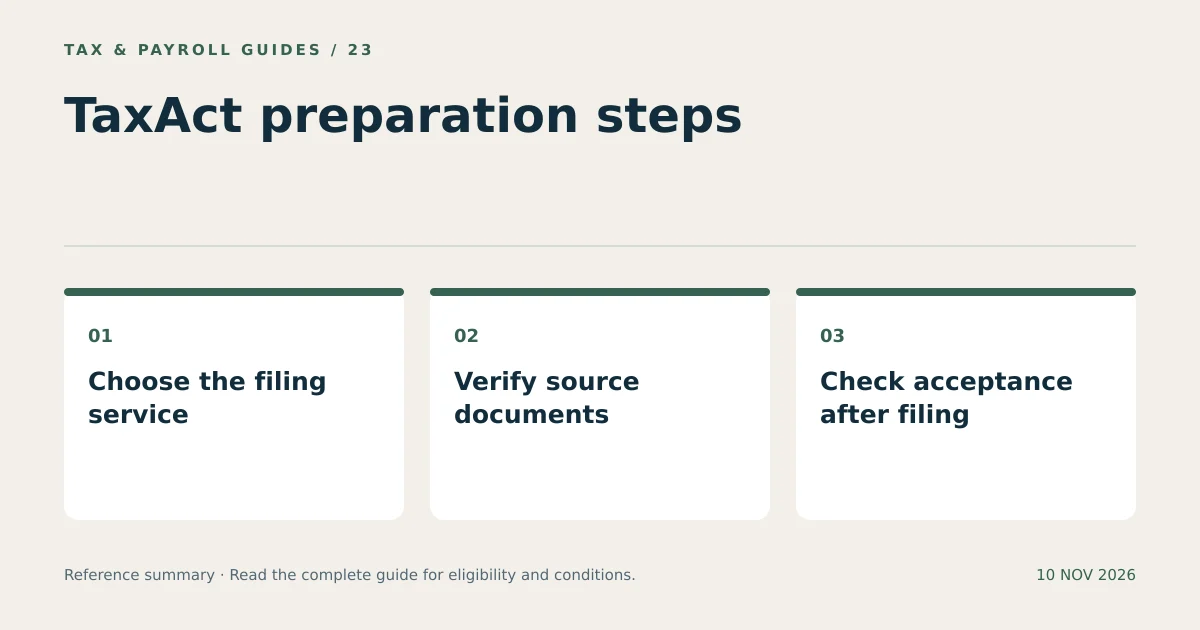
TaxAct tax filing is most reliable when product selection, source-document review, and filing follow-up remain separate checks. Each check addresses a different potential error.
What Else Do Readers Ask About TaxAct?
Does TaxAct Offer Free Filing for Every Return?
TaxAct advertises free federal filing for qualifying situations. Review eligibility, required forms, state charges, and the current product offer before selecting a service.
Can TaxAct Import Information from a W-2?
TaxAct advertises W-2 import features. Availability depends on the product and document, and imported entries still require comparison with the original form.
Does an Accepted TaxAct Return Mean My Refund Is Approved?
No. Acceptance means the tax agency accepted the electronic submission. Refund review and payment occur separately, and federal and state processing can differ.