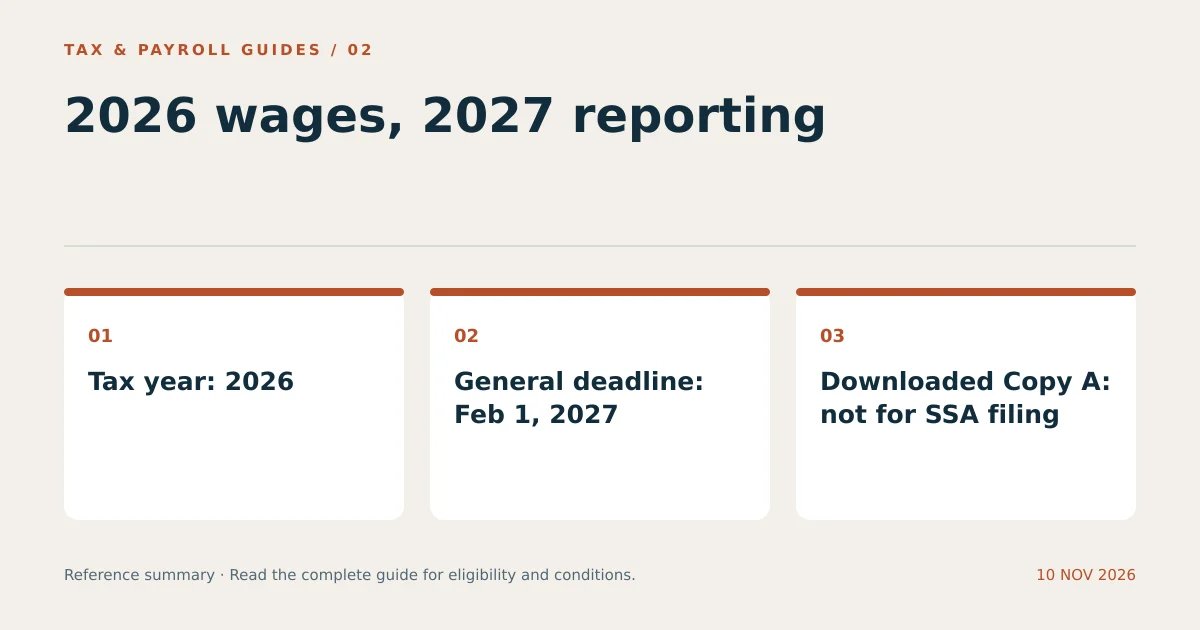
W-2 Form 2026 reports wages paid during calendar year 2026. The IRS generally requires employers to provide employee copies and file with the Social Security Administration by February 1, 2027.
The official IRS PDF download and instructions are linked in the source section below. A blank PDF does not retrieve an employee’s completed statement. Employees obtain their populated W-2 from their employer or authorized payroll portal.
Which W-2 Form 2026 PDF Is the Correct Download?
The correct download is the IRS document labeled Form W-2, Wage and Tax Statement, for 2026. Use the year printed on the form, not the calendar year in which you happen to download it.
The year-specific source link below ends in fw2–2026.pdf. It avoids confusing the requested form with a changing current-year download. The PDF includes multiple copies and instructions. Save the complete file, then identify the copies appropriate to the filing or employee-delivery task.
A worker preparing a 2025 income tax return during 2026 generally uses a 2025 W-2. A worker reporting 2026 wages generally uses a 2026 W-2 when preparing the return in 2027. Filing an older return requires the older tax year’s records.
Can You Print Every Copy of the 2026 W-2 PDF?
You can print approved recipient copies from the IRS PDF, but the downloaded Copy A is not a scannable paper filing copy for the SSA. The IRS explicitly warns against printing and mailing that online Copy A.
| Copy | Purpose | PDF consideration |
|---|---|---|
| Copy A | SSA wage reporting | Do not mail the downloaded informational version as the official scannable form. |
| Copy B | Employee federal return | Recipient copy can be completed and printed under IRS instructions. |
| Copy C | Employee records | Retain a readable copy. |
| Copy 2 | Applicable employee state or local return | Review each jurisdiction’s filing process. |
| Copies 1 and D | Applicable jurisdiction and employer records | Use the relevant recipient and recordkeeping requirements. |
Employers can use approved electronic filing or obtain proper scannable paper forms when paper filing is permitted. Changing the color of a downloaded Copy A does not make it acceptable. An approved substitute form also has to meet the applicable specifications.
What Is the 2026 W-2 Filing Deadline?
The general deadline for 2026 W-2 employee copies and SSA filing is February 1, 2027. January 31, 2027 falls on a Sunday, which shifts the regular deadline to the following business day.
For comparison, the regular deadline for 2025 W-2s was February 2, 2026. These dates describe different tax years. An employer’s SSA filing extension does not automatically extend the time to furnish employee statements. Special employer circumstances and officially announced relief require separate review.
A deadline to furnish a mailed statement is not a guarantee that the employee receives the envelope that day. Employers meet the ordinary mailed furnishing requirement by properly addressing and mailing the statement by the deadline.
What Changed on the W-2 Form for 2026?
The 2026 form splits the former box 14 area into box 14a, Other, and box 14b, Treasury Tipped Occupation Code(s). The IRS also provides 2026 reporting instructions for qualified tips, qualified overtime compensation, and other newly specified items.
Use current payroll software and the 2026 instructions when those items apply. A previous-year form, screenshot, or tutorial may show a different box arrangement. Do not place an amount in a field merely because that location was used on an older version.
Special reporting does not make all tips or all overtime exempt from every tax. Payroll reporting and an employee’s eligibility for a return-level deduction are separate questions. The worker’s actual facts determine whether a particular deduction applies.
How Do Employers Complete a 2026 W-2?
Employers complete a 2026 W-2 by reconciling annual payroll records, entering the required identification and amounts, and delivering the appropriate copies. Start with finalized payroll totals rather than monthly salary multiplied by 12.
- Verify the employer’s legal name, EIN, and address.
- Verify the employee’s name, Social Security number, and address.
- Reconcile federal, Social Security, and Medicare wage totals separately.
- Reconcile each withholding category against payroll reports.
- Identify applicable box 12 codes, benefits, and status boxes.
- Complete state and local entries using the correct jurisdictions.
- Review current-year special reporting requirements.
- File the SSA report and furnish employee copies through compliant methods.
For example, an employee with traditional 401(k) deductions can have different federal and Medicare wage totals. Copying box 1 into every wage field can therefore create an error. Likewise, a two-state employee may require more than one state entry without having twice the federal wages.
Who Must File W-2s Electronically?
Employers generally must file electronically when they meet the IRS threshold of 10 or more information returns, unless an applicable exception or approved waiver applies. The count is not limited to W-2s.
Review the aggregation rules before choosing paper filing. An employer with only a few employees can still reach the threshold through other covered information returns. The format decision also differs from employee delivery: electronic government filing does not by itself mean every worker has consented to electronic statements.
What Should Employees Do with the Downloaded Form?
Employees can use the blank PDF to understand the layout, but they use the employer-issued statement to file. Request portal access or a replacement copy when the completed form is missing.
Compare the statement with year-end payroll records before importing it into tax software. Confirm that the tax year matches the return, and review any automatically imported data. An incorrect employer statement requires a correction request; downloading a clean form does not correct the employer’s government filing.
Store the completed W-2 separately from blank templates. A clear filename such as 2026-employer-w2.pdf reduces accidental use of an old statement and makes later retrieval easier.
What Other Questions Do Readers Ask?
Is a W-2 Received in January 2026 a 2026 W-2?
Usually not. A statement received in early 2026 generally reports 2025 wages. Read the tax year printed on the form.
Can I Fill Out a Blank W-2 Instead of Asking My Employer?
No. Employees generally obtain their completed W-2 from the employer. Form 4852 is the separate substitute process for qualifying missing or incorrect statements.
Can an Employer Email a W-2 Without Consent?
Electronic furnishing has specific consent and disclosure rules. An email attachment alone does not establish that the employer has satisfied those requirements.