W-4 Form gives your employer the information used to calculate federal income tax withholding from your pay. Complete the applicable steps, sign the form, and submit it through the employer’s approved payroll process. Its instructions affect withholding rather than your final annual tax liability.
This guide uses the 2026 Form W-4. The form has five steps and a separate exemption checkbox below Step 4(c). It uses dollar amounts instead of the withholding allowances found on older versions.
What Do You Need Before Filling Out a W-4 Form?
Gather current payroll and household information before entering withholding adjustments. A complete picture matters more than an isolated salary figure.
- Collect recent pay statements from every current job.
- Collect a spouse’s pay statements when expecting to file jointly.
- Record expected other income and remaining pay dates.
- Review qualifying dependents, expected credits, and deductions.
- Keep the previous return available as a reference, while accounting for current-year changes.
Year-to-date federal withholding matters when changing a W-4 during November or another part of the year. A full-year assumption can produce a different result from a calculation using only the paychecks still remaining.
How Do You Complete Step 1 of Form W-4?
Enter your name, address, Social Security number, and anticipated filing status. Use identifying information that matches the relevant Social Security record.
The three filing-status choices are single or married filing separately; married filing jointly or qualifying surviving spouse; and head of household. Select the status supported by the expected tax situation. Head of household has eligibility requirements and is not simply another term for the household’s highest earner.
Employees with a straightforward one-job situation and no applicable adjustments may complete Steps 1 and 5 only. Evaluate the intermediate steps before deciding they do not apply.
How Does Step 2 Handle Multiple Jobs or a Working Spouse?
Step 2 coordinates withholding when an employee has simultaneous jobs or spouses filing jointly both work. Choose one of its methods rather than combining them indiscriminately.
| Method | How it works | Important limitation |
|---|---|---|
| IRS estimator | Uses household and payroll information | Accurate inputs are essential |
| Multiple Jobs Worksheet | Calculates an extra withholding amount | Follow the worksheet instructions for job combinations |
| Two-jobs checkbox | Adjusts withholding at both jobs | Only for two jobs total; check both W-4s |
The 2026 form says the checkbox is generally more accurate than the worksheet when lower-job pay exceeds half of higher-job pay. The estimator can account for additional complications, such as self-employment income or a midyear change.
Complete Steps 3 through 4(b) on only one of the jobs’ W-4 forms, normally the highest-paying job. Duplicating the same expected credits across several forms can reduce withholding too much.
What Do You Enter in Step 3 for Dependent Credits?
Step 3 records expected annual dependent and other tax credits. It is not a request to withhold that amount from each paycheck.
The 2026 form uses $2,200 per qualifying child under age 17 and $500 per other qualifying dependent when total income is within its stated $200,000 threshold, or $400,000 for married filing jointly. Eligibility includes more than age alone. Relationship, residency, dependency, and required identification rules can matter.
In a hypothetical eligible household with two qualifying children and one other dependent, the calculation is $2,200 × 2 + $500 = $4,900. That example assumes the listed qualifications and income condition are satisfied. Additional eligible credits can also enter the Step 3 total.
How Do Steps 4(a), 4(b), and 4(c) Differ?
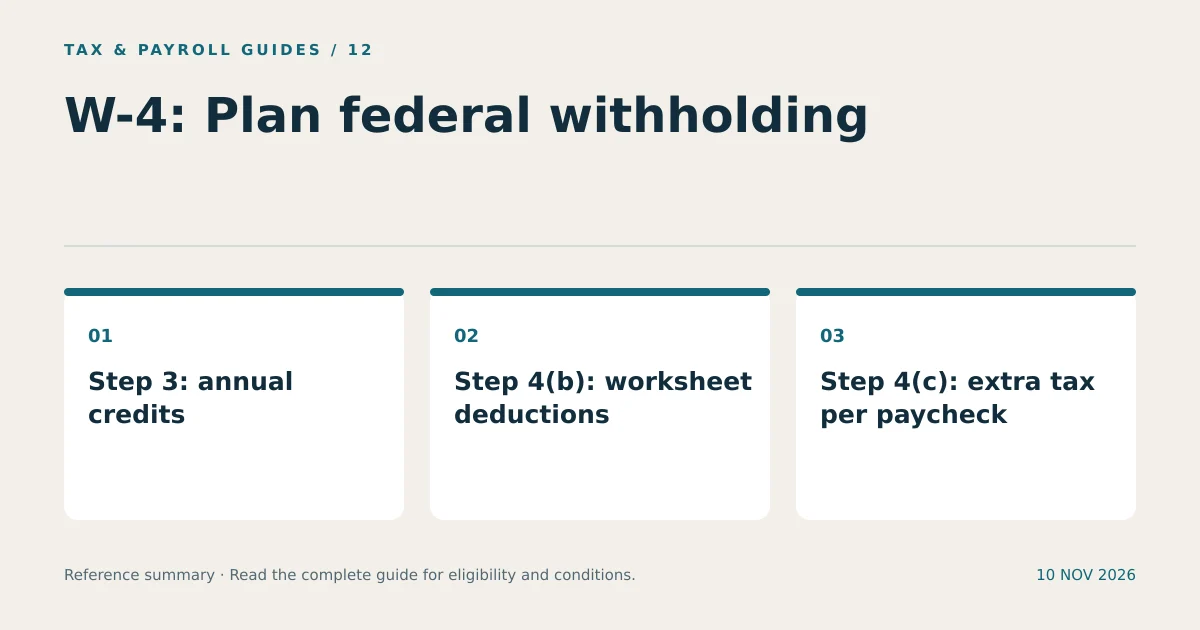
Step 4(a) reports certain other annual income, Step 4(b) reports the deductions-worksheet result, and Step 4(c) requests extra tax per pay period. These entries do not use the same measurement basis.
- Step 4(a): Enter eligible expected non-job income, such as interest or dividends, when arranging withholding for that income.
- Step 4(b): Enter the result from the current Deductions Worksheet, not an unadjusted total copied from a list of expenses.
- Step 4(c): Enter the additional federal tax requested from each paycheck.
The 2026 worksheet accounts for applicable deductions, including qualified tips, qualified overtime, qualifying passenger-vehicle loan interest, and qualifying senior deductions. Each has its own conditions. Receiving overtime pay does not mean the entire overtime payment belongs in the deduction estimate.
For example, an employee who needs an additional $600 withheld over 12 remaining paychecks can request $50 per paycheck, assuming all 12 checks receive the adjustment. Entering $600 in Step 4(c) instead would request $600 from each paycheck.
Who Can Check the 2026 W-4 Exemption Box?
Claim exemption only when both conditions apply: no federal income tax liability for 2025 and an expectation of no federal income tax liability for 2026. Receiving a refund last year does not by itself establish either condition.
The 2026 form uses a checkbox rather than the older instruction to write “Exempt.” Eligible employees complete Steps 1(a), 1(b), and 5 and check the exemption box, leaving the other steps uncompleted. The form’s instructions state that a new form is required by February 16, 2027, to continue the exemption.
Exemption from federal income tax withholding does not create a general exemption from Social Security or Medicare taxes. It also does not automatically control state withholding.
How Do You Submit and Check Your Completed W-4?
Sign and date Step 5, submit the form to your employer, and check a subsequent pay statement after payroll implements it. Employees ordinarily give the W-4 to payroll rather than sending it directly to the IRS.
- Confirm the form year and all applicable entries.
- Sign the paper form or complete the employer’s approved electronic certification.
- Retain a copy and note the submission date.
- Ask payroll when the change becomes effective.
- Compare the resulting federal withholding with the intended adjustment.
Revisit the W-4 form after changes in income, jobs, marital status, dependents, or deductions. Recheck a midyear adjustment when the next year begins. These reviews keep withholding instructions aligned with the period they are intended to cover.
What Other Questions Do Employees Ask?
Should I Claim Zero or One on the Current W-4?
The current W-4 does not use withholding allowances. Use its filing-status, credit, income, deduction, and extra-withholding fields instead of choosing zero or one allowance.
Does Extra Withholding Reduce My Tax Liability?
Extra withholding increases payments toward tax. It can reduce an amount due or increase a refund, but it does not independently create a deduction or reduce the tax calculated on your return.
Can the IRS Estimator Submit My W-4 to My Employer?
The estimator can help generate a completed form. You still provide the form through your employer’s accepted payroll or human-resources process.