H&R Block offers do-it-yourself tax software and tax preparation with professional assistance. Its filing options include browser-based preparation, downloadable software, and work with a tax professional in person, remotely, or through document drop-off. Availability and fees depend on the selected service.
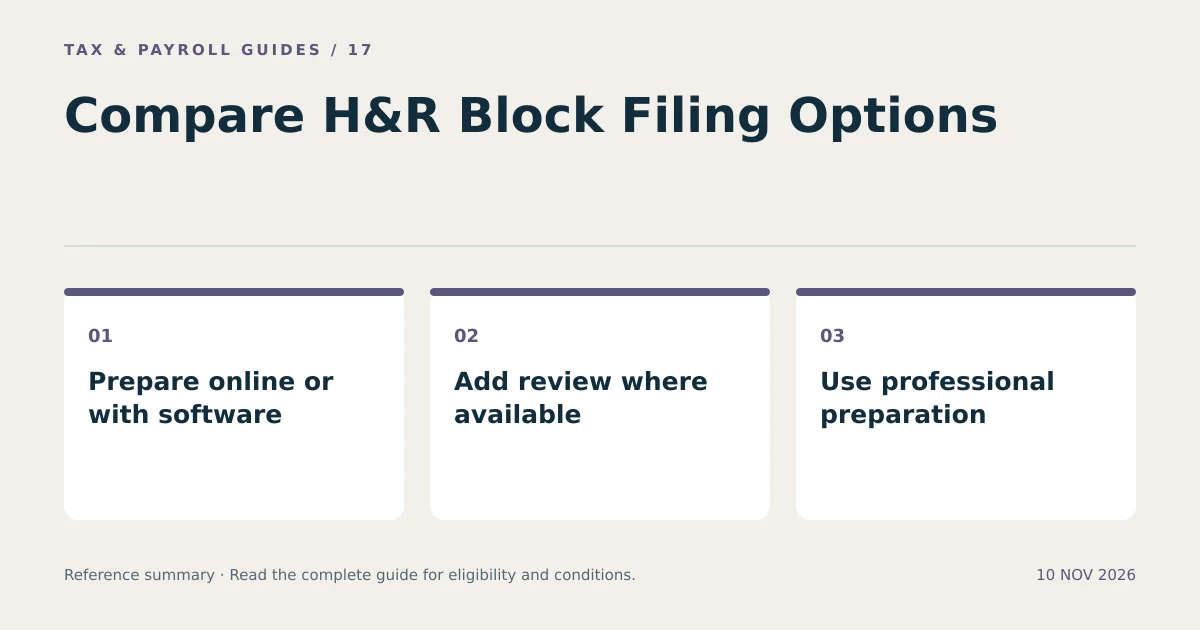
Compare who enters the information, who reviews the return, which forms are supported, and what the complete service costs. Those differences determine the preparation work and assistance included in each option.
What Tax Filing Options Does H&R Block Offer?
H&R Block separates self-preparation from professional preparation, with assisted options between them. Product availability, supported forms, and service terms depend on the selected tax year and edition.
| Option | Who prepares the information? | What to verify |
|---|---|---|
| Online filing | You enter and review information through a browser | Included forms, state returns, account access, and assistance |
| Downloadable software | You work with installed software | Operating-system compatibility, license terms, and state e-file charges |
| Tax Pro Review | You prepare a return, then a professional reviews it | Review scope, fee, required documents, and filing authorization |
| Professional preparation | A tax professional prepares the return using your records | Document checklist, price estimate, communication, and approval process |
These are different service arrangements. Live help while you enter information does not necessarily mean a professional has completed a full review. Read the description of the specific assistance being purchased.
How Does H&R Block Online Work?
H&R Block Online guides a taxpayer through questions and uses the answers to prepare relevant tax forms. You review the completed return and authorize submission after resolving errors or missing information.
- Select the correct tax-year product.
- Create or access your account through the official website.
- Enter identity, household, income, deduction, and credit information.
- Review supported imports against the source documents.
- Check the federal and state return summaries.
- Review fees and authorize filing when the return is complete.
Do not assume an imported amount is current or complete. A previous return can carry useful identity information without supplying this year’s wages. A W-2 import also requires review of the employer, tax year, wages, withholding, and state fields.
Who Qualifies for H&R Block’s Free Online Filing Option?
Qualification depends on the product’s supported tax situations and current terms. A simple-looking return can require a form outside a free edition.
H&R Block’s official online page identifies included and excluded situations. Check that list against your actual documents before relying on a zero-cost claim. Wage income, investment transactions, self-employment expenses, rental activity, and health savings accounts can lead to different product requirements.
Evaluate federal filing and state filing separately. Also distinguish a promotional price from the final price at checkout. This guide does not quote a fixed price because product fees, promotions, and supported-service combinations can change.
What Is the Difference Between Online Filing and Downloadable Software?
Online filing operates through an account in a web browser. Downloadable software is installed on a compatible computer and uses the software edition’s own licensing and filing terms.
Compare the number of returns allowed, the included state preparation, state e-file charges, device compatibility, and available support. A package that includes preparing a state return does not necessarily include every related electronic-filing charge.
Storage and backup also differ. Keep your own copy of the filed return and supporting documents regardless of product. Confirm access to prior-year data before uninstalling software, replacing a computer, or relying on an account you rarely use.
How Does Professional Tax Preparation Differ from Tax Pro Review?
Professional preparation starts with a tax professional preparing the return from your information. Tax Pro Review starts with a return you prepared and adds a professional review under that service’s terms.
For either arrangement, provide complete records and answer follow-up questions. A professional cannot evaluate a missing document or an income source you do not disclose. Review the completed return yourself before authorizing filing.
For example, a hypothetical employee with a new rental property can prepare a list of rental income, expenses, acquisition details, and prior depreciation records before requesting help. That preparation helps define the scope of the return. It does not establish which edition or price applies without the service’s assessment.
What Documents Should You Collect Before Starting?
Collect documents by taxpayer, payer, and tax year so every income source appears once. Include records for a spouse and dependents when relevant to the return.
- Collect identity details and taxpayer identification numbers.
- Collect all W-2s and relevant 1099s.
- Collect records for business, rental, retirement, and investment activity.
- Collect statements supporting eligible deductions and credits.
- Collect estimated-tax payment confirmations and the previous return.
- Confirm bank details and any identity-protection PIN required for filing.
Use a secure upload channel specified by the service when sharing documents. A tax appointment reminder is not itself a request to send sensitive records by ordinary email. Confirm unusual document requests through an independently accessed account or known office contact.
What Costs and Service Limits Should You Compare?
Compare the total expected charge and the scope of assistance, not only the product’s starting price. Separate tax preparation from optional financial products or post-filing services.
| Cost or term | Question to resolve |
|---|---|
| Federal preparation | Which edition or complexity level applies? |
| State returns | How many states are included or charged separately? |
| Professional assistance | Is help limited to questions, review, or full preparation? |
| Payment method | Does paying from a refund introduce another fee? |
| Post-filing help | What is included if a notice or amendment becomes necessary? |
A guarantee has its own eligibility conditions, exclusions, claim procedure, and remedy. Read those terms instead of interpreting a short marketing label as unlimited protection. Keep the order confirmation and service description with your return.
What Happens After H&R Block Submits a Return?
Submission, acceptance, processing, and refund issuance are separate events. A transmission receipt does not automatically establish IRS acceptance or a refund date.
Monitor the filing status and respond to a rejection by correcting the identified issue. Save the accepted return and confirmation. Review state status independently because a federal acceptance does not establish a state result.
A refund estimate can change if the IRS corrects the return or applies an offset. Optional refund-related financial products do not change the underlying income tax calculation. Keep tax preparation decisions separate from borrowing or payment-product decisions.
H&R Block filing options are easiest to compare when the return’s required forms, desired assistance, total charges, and record-access arrangements are clear before filing.
What Else Should You Know?
Is H&R Block Online the Same as Filing with a Tax Professional?
No. Online self-preparation, professional review, and full professional preparation describe different levels of work and assistance.
Can H&R Block Import Every W-2 Automatically?
No. Import availability depends on the supported source and available information. Review imported entries and use employer-issued records when import is unavailable.
Does an Accepted Return Guarantee a Specific Refund Date?
No. Acceptance confirms a stage of submission processing. Refund timing depends on subsequent processing, review, and any applicable restrictions or offsets.