ADP W-2 documents are available through an employer’s authorized ADP portal after the employer releases them. Sign in, select the correct employer and tax year, and download the available statement. An active account alone does not guarantee that the form is ready.
ADP’s employee W-2 guidance identifies the employer or former employer as the contact for missing documents and corrections. Treat the portal as the delivery channel for an employer-issued tax statement.
What Do You Need Before Downloading an ADP W-2?
You need an authorized account, access to the relevant employer record, and an available W-2 for the requested tax year. Confirm all three before investigating a download problem.
Use the year printed on the tax form, not simply the calendar year in which you are searching. A W-2 for tax year 2026 reports 2026 wages and is generally furnished after that year ends. A document downloaded during 2026 can instead relate to an earlier tax year.
Identify every employer whose form is needed. Working for two organizations that use ADP does not mean their wage statements merge into a single W-2. Separate employer identification numbers and payroll arrangements can produce separate documents.
How Do You Find and Download Your ADP W-2?
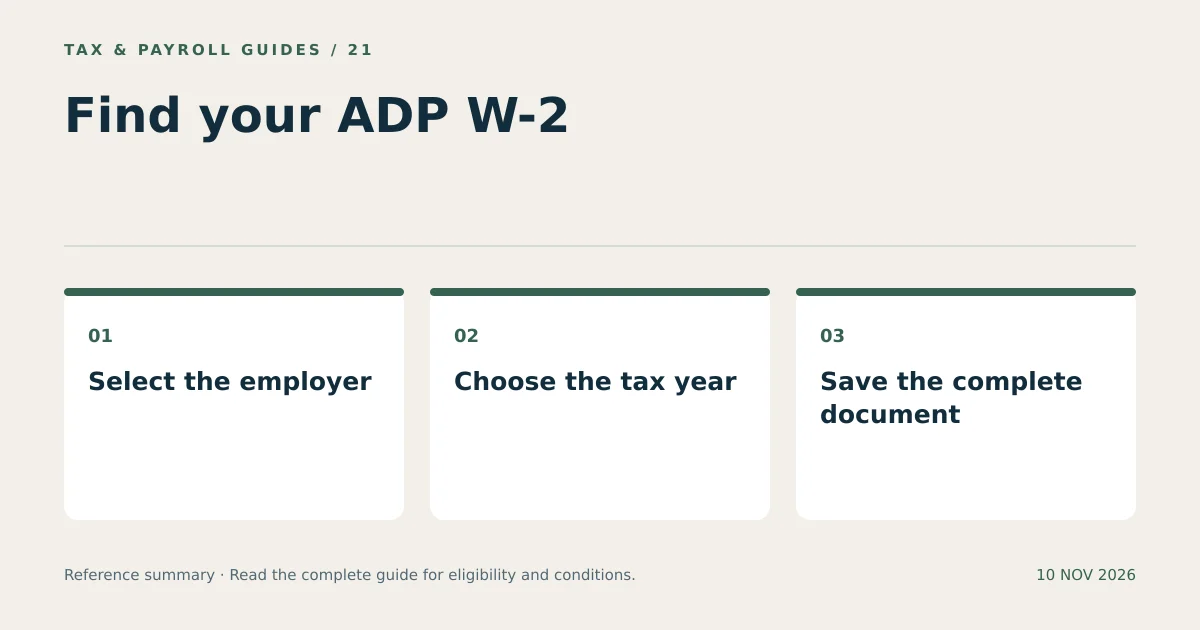
Open the employer-authorized portal, locate the tax-statement area, select the employer and tax year, and save the available form. Menu labels vary across ADP products and employer configurations.
- Start at the official access point. Use the verified employer link or ADP’s official employee sign-in route.
- Complete sign-in. Enter your account details and complete the required verification.
- Confirm the employer. Choose the relevant employment record when more than one is available.
- Locate tax documents. Look for the available W-2, annual tax statements, or equivalent section.
- Select the tax year. Check the year displayed on the actual document.
- Download and inspect. Save the PDF or provided document and confirm that all pages are readable.
Use the document’s download or print function when offered. A screenshot of one section can omit boxes, footnotes, or additional state details. Preserve the complete document for tax preparation and recordkeeping.
What Should You Check on an ADP W-2 Before Filing?
Check identity details, the employer, the tax year, wage amounts, withholding, and any additional state or local entries. Compare unusual figures with payroll records and ask the employer to explain discrepancies.
| Check | Reason |
|---|---|
| Name and identifying information | Confirm that the form belongs to the correct employee. |
| Employer and EIN | Distinguish similar company names and multiple payroll entities. |
| Box 1 and Box 2 | Identify federal taxable wages and federal income tax withheld. |
| Boxes 3 through 6 | Review Social Security and Medicare wages and taxes. |
| Box 12 codes | Preserve each code with its corresponding amount. |
| State and local entries | Capture all applicable jurisdictions and withholding amounts. |
The wage boxes do not always match gross pay or one another. Different payroll items receive different tax treatment. A difference warrants an explanation, not an automatic edit to make every amount equal.
Why Is an ADP W-2 Missing from the Account?
A missing form can reflect release timing, an incorrect employer selection, an unavailable year, or access that the employer has not enabled. Determine which condition applies before requesting another account.
Consider a hypothetical worker with access to pay statements but no annual tax form. That account can be functioning normally while the employer has not released the W-2. A working pay-statement section does not establish the annual form’s publication date.
Ask payroll whether the form has been issued, which delivery method applies, and whether a corrected or replacement document is pending. Confirm the mailing address when the employer uses paper delivery. Keep the request date and response for follow-up.
Can You Get an ADP W-2 from a Previous Employer?
Try the previously authorized account, then contact the former employer if access has ended or the document is absent. ADP states that only the employer or former employer can assist with supplying or changing the W-2.
Send a targeted request: identify the employer, tax year, employment dates, and whether you need account access or a copy of the form. Ask for the approved secure delivery method. Provide additional identity verification through that method only.
For example, a former employee seeking a 2024 form can request that exact year instead of asking for “my latest W-2.” The precise request reduces the risk of receiving a newer document that does not answer the tax or lending requirement.
What Happens When an ADP W-2 Contains an Error?
Ask the employer’s payroll or HR department to investigate and issue a correction when necessary. Do not edit a downloaded W-2 yourself to create an apparently corrected employer document.
Describe the specific field, the amount shown, and the reason it appears incorrect. Supporting payroll records can help the employer reconcile the issue. An employer correction may involve Form W-2c, depending on the problem and filing stage.
Keep both the original and any corrected statement. Mark your records so the two are not accidentally entered as separate wage statements reporting duplicate income. A correction received after a return is filed also requires review of whether the filed return needs amendment.
How Do You Store an ADP W-2 and Avoid Duplicate Entries?
Store the complete document securely and track each employer-year combination once. Tax preparation becomes easier when the file name, source, and entry status are clear.
- Name the file with the employer label and tax year.
- Keep corrected documents distinguishable from originals.
- Record whether the form has already been imported or entered.
- Compare imported values with the document before submitting the return.
- Remove copies from shared printers and shared download folders.
A printed copy and an electronic copy of the same W-2 usually represent the same wage statement. They are not two separate sources of income. Match employer identification and amounts before deciding whether another document adds new information.
An ADP W-2 download completes the retrieval step. The employer record, document year, and any corrections determine which information belongs on the return.
What Else Do Readers Ask About ADP W-2?
Can ADP Release My W-2 Before My Employer?
Online availability depends on your employer’s arrangement and release process. Ask payroll when the form will be available and which delivery method applies.
Is a W-2 PDF Different from the Mailed Form?
An electronic and mailed copy can contain the same wage statement. Compare the employer, tax year, and amounts, and do not enter duplicate copies as additional income.
Can ADP Correct the Wages on My Form for Me?
ADP directs employees to the employer or former employer for W-2 corrections. Report the specific discrepancy to payroll or HR.