H&R Block W-2 Finder is commonly associated with the company’s W-2 Early Access service. H&R Block’s official W-2 guide currently labels Early Access temporarily unavailable. Use your employer or authorized payroll portal when you need a completed W-2.
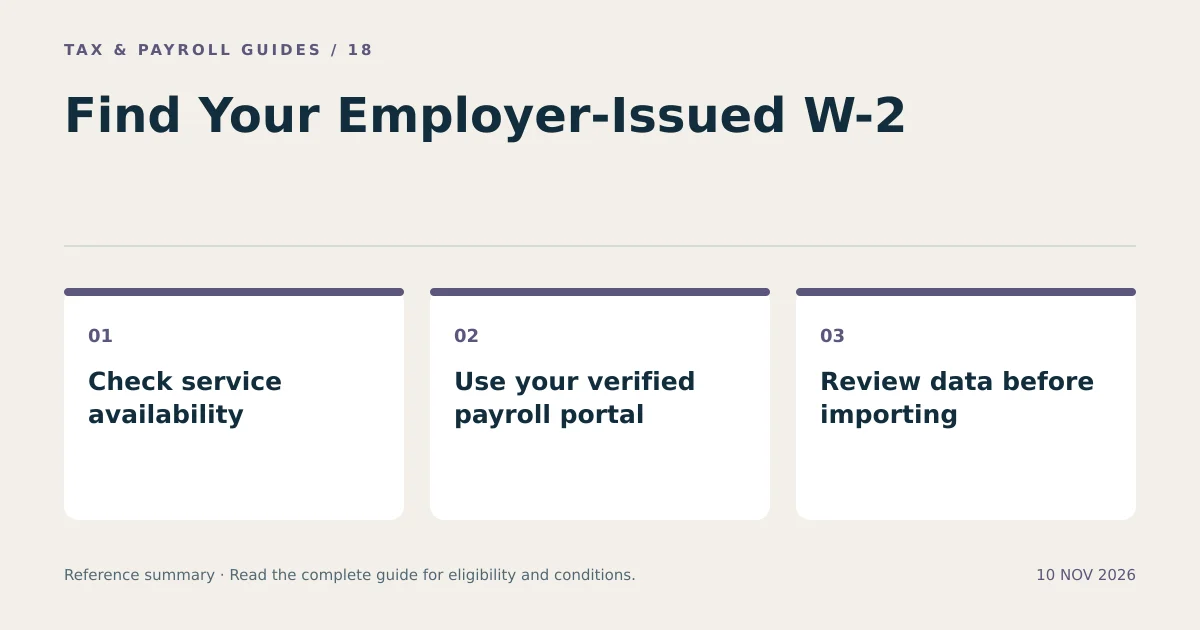
Obtaining a W-2, importing its data into tax software, and retrieving a previously filed tax return are different tasks. This guide explains those distinctions and gives a practical route when an advertised finder does not provide your document.
What Does the H&R Block W-2 Finder Do?
H&R Block describes W-2 Early Access as a way to request an electronic copy from a participating employer and have it sent to a local H&R Block office. It is not a universal database containing every employee’s W-2.
The employer must participate and the relevant data must be available. A taxpayer’s name, Social Security number, or prior use of H&R Block does not establish that a current employer’s W-2 can be retrieved. The current temporary-unavailability notice also means older instructions cannot establish that the service works today.
Check the official service information before relying on a search result. Search snippets, old tutorials, and cached pages can describe a prior workflow without reflecting present availability.
Is W-2 Early Access the Same as Importing a W-2?
No. Early Access concerns obtaining a wage document through a participating arrangement. Import concerns transferring supported information into tax preparation software.
| Task | What it provides | What it does not establish |
|---|---|---|
| Employer portal download | An employer-issued W-2 when released | Automatic import into every tax product |
| Early Access | Participating-employer access under the service’s current availability | Coverage of all employers |
| Tax software import | Transfer of supported tax data | That every field is correct or current |
| Prior return download | A previously filed return | The new year’s employer-issued W-2 |
A photograph or document upload can also support data entry without being an employer-connected import. Review the source and the destination fields before filing.
How Can You Find Your W-2 Online While the Finder Is Unavailable?
Use the employer-approved payroll or employee portal, select the correct tax year, and download the available W-2. Contact payroll if you cannot access the account or the document has not appeared.
- Identify the payroll portal from a known employer communication or your HR department.
- Sign in through the verified portal and complete required authentication.
- Open the section labeled tax documents, annual statements, or W-2.
- Select the tax year for the wages you need.
- Download the complete document and check the employer and employee details.
- Save it securely before entering or importing the information.
Navigation labels vary by employer and provider. Some employers use a separate former-employee portal after employment ends. An inaccessible work email account can prevent a password reset; payroll can explain the permitted recovery process.
Do not create a second account at random when recovery fails. An account must be associated with the employer’s records. Ask which registration or recovery method applies to your situation.
Which W-2 Tax Year Should You Select?
Select the year in which the wages were paid, not simply the year in which you are downloading the file. A tax-year 2026 W-2 reports 2026 wages and normally becomes available after that year ends.
For example, someone preparing a 2025 return during 2026 needs the W-2 marked 2025. Someone planning for 2026 income in November 2026 generally uses payroll records for an estimate until the final W-2 becomes available. A prior-year form cannot replace the new-year document.
Keep corrected forms with the original records. A W-2c changes specified information; it is not an additional employer’s income that automatically gets added to the original wages.
What Should You Verify Before Using W-2 Data in H&R Block?
Verify the employer, tax year, identity information, dollar amounts, and state/local sections against the employer-issued document. Importing does not eliminate this review.
- Compare the employer name and employer identification number.
- Compare federal wages and federal income tax withholding.
- Compare Social Security and Medicare wage and tax fields.
- Compare every Box 12 code and amount.
- Compare state identifiers, state wages, and state withholding.
- Check that each employer’s form appears only once.
A hypothetical worker with two employers needs both employers’ information. Importing one W-2 and manually entering the other is different from importing and manually entering the same W-2 twice. Use a checklist with one row per employer and tax year.
If the document itself is wrong, request a correction from the employer. Correcting a typing error in software does not correct an employer’s inaccurate reporting record.
What Can You Do When Your Employer’s W-2 Is Missing?
Contact the employer first and confirm the mailing address, electronic-delivery access, and release status. A third-party finder cannot issue a missing employer record on the employer’s behalf.
The IRS’s missing-form guidance directs taxpayers to seek employer assistance and, after the relevant waiting period, contact the IRS if the form remains missing or incorrect. Its current guidance for 2025 forms distributed in 2026 identifies the end of February as the follow-up point after contacting the employer.
The IRS can request the form from the employer and provide instructions for Form 4852 when appropriate. Follow those instructions if a substitute becomes necessary. A final pay stub is useful evidence, but entering it as though it were an issued W-2 can miss year-end adjustments.
Keep notes of contact dates and responses. If a later W-2 differs from a filed substitute, evaluate whether an amended return is required. A missing form does not automatically cancel filing or payment obligations.
How Do You Avoid Unsafe W-2 Lookup Websites?
Use a verified employer portal or the official provider website before entering personal information. A search page displaying the phrase “W-2 finder” does not establish authorization to access payroll records.
Check the domain carefully, avoid unsolicited document-upload requests, and do not provide an account verification code to an unrelated caller. Legitimate access requires the correct account and employer relationship; it does not require buying a promise to uncover every W-2.
Store downloaded forms in a restricted location. A W-2 contains sensitive identity and income information. Remove copies from shared computers and avoid leaving documents in public download folders.
The most reliable next step for an unavailable H&R Block W-2 Finder is a verified employer source, followed by a careful review of the document before any tax-software import.
What Else Should You Know?
Is H&R Block W-2 Early Access Available Now?
H&R Block’s official W-2 guide currently labels Early Access temporarily unavailable. Check the official page for a later status change.
Can H&R Block Find a W-2 from Any Employer?
No. Access and import depend on participating employers, supported sources, released records, and the service’s current availability.
Can My Last Pay Stub Replace a W-2 Automatically?
No. A pay stub is not automatically a substitute W-2. Follow the employer-contact and IRS Form 4852 process when a required form remains unavailable.