ADP Login gives employees access to the payroll services their employer enables. Start with the official sign-in route supplied by your employer, and confirm that registration is complete. Available pay statements, W-2s, and other records depend on the employer’s ADP setup.
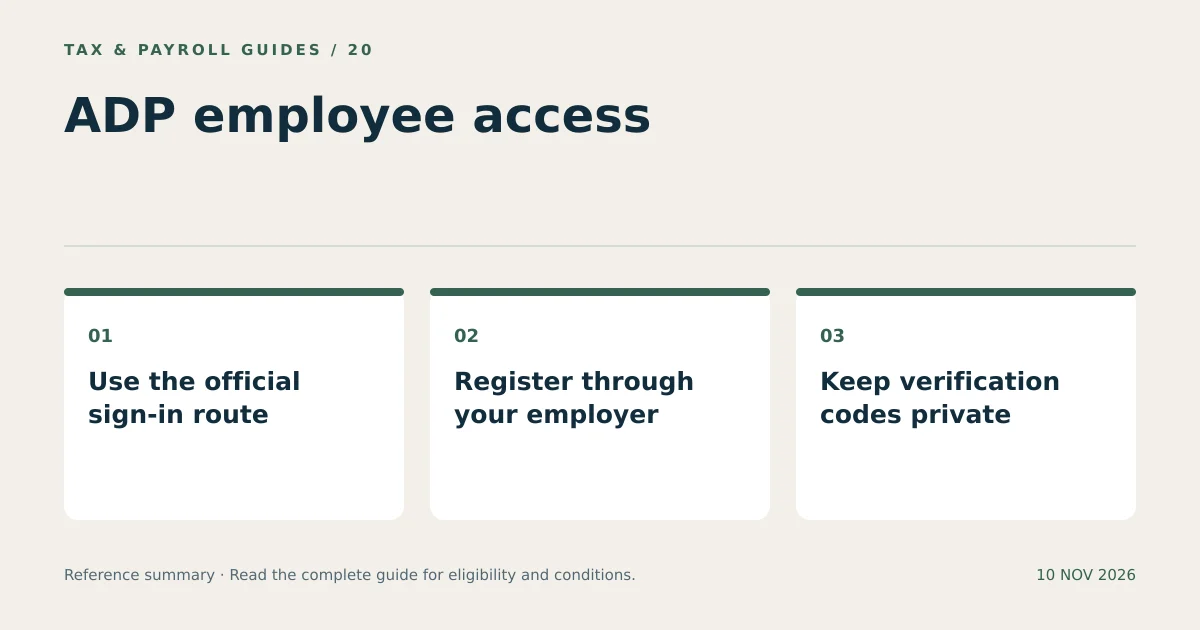
Employers may use different ADP products or a company sign-in system. Confirm the employer and product before troubleshooting an account. An unfamiliar login page found in search results may not be the service your organization uses.
Where Is the Correct ADP Login for Employees?
The correct login is the official employee portal that matches your employer’s service. Start from ADP’s official MyADP page or the verified link provided by payroll or human resources.
Some organizations use an employer-controlled sign-in or an internal employee portal. Follow that route when the organization requires it. A payroll administrator’s account and an employee’s self-service account serve different purposes; selecting the wrong entry point can produce access errors even with a valid password.
Check the complete website address before entering information. A brand name appearing in an advertisement, page title, or message does not authenticate the destination. Do not enter credentials into a third-party article or a form claiming to find every employee’s ADP account.
How Do You Register for an ADP Employee Account?
Register using the information authorized by your employer. ADP states that employer-provided access is required and that the employer supplies the registration code when that registration method applies.
- Confirm eligibility. Ask payroll which ADP service the company uses and whether employee access is active.
- Obtain the registration instructions. Use the code or invitation provided through the company’s established process.
- Open the official registration route. Start from the verified employer instructions or ADP employee support page.
- Verify your identity. Enter requested information only within the official registration flow.
- Create and protect the account. Choose a unique password and complete the required security steps.
- Check the employer record. Confirm that the accessible profile belongs to the intended job.
Do not use a registration code copied from a public discussion. A code associated with another organization does not establish authorization to view your own payroll record. Ask the company to resend an invitation or correct a record mismatch instead.
How Do You Recover a Forgotten ADP Username or Password?
Use the recovery option presented on the official sign-in screen. Contact your current or former employer when self-service recovery fails or the registered contact information is no longer usable.
Distinguish a forgotten username from a forgotten password. A password reset cannot resolve a mistyped or unrelated user ID. Check the account identifier first, then use the appropriate recovery flow once.
After requesting a verification message, check the destination shown by the service. Avoid repeatedly requesting codes while several messages remain delayed. Use the current valid code according to the displayed instructions. Do not share that code with someone who contacts you unexpectedly.
| Problem | Useful next step |
|---|---|
| Forgotten password | Use the official password-recovery option. |
| Unknown user ID | Use identifier recovery or ask the employer for account guidance. |
| Old phone or email | Ask payroll or HR about the authorized recovery procedure. |
| Employer record missing | Ask the employer to check the employee registration and access settings. |
| Company sign-in error | Contact the company’s identity or IT support team. |
Why Does an ADP Login Work but Show No Pay Information?
A successful login confirms account access, but payroll records depend on the employer association, available service, and published documents. Check these conditions before assuming that information has been lost.
For example, a hypothetical employee starts a new job after previously using ADP elsewhere. The old account opens successfully but shows only last year’s documents. The relevant question is whether the new employer’s record has been linked and activated. Resetting a working password does not create that relationship.
Also distinguish the pay period from the payment date. Searching for a statement under the wrong date range can hide an otherwise available record. Record the employer name, expected payment date, and document type when contacting payroll.
How Can Former Employees Use ADP Login?
Former employees can try their existing authorized account, but continued access depends on the former employer’s settings. The employer remains the contact for restoring access or supplying employment documents.
Use a personal contact method for recovery only through the permitted account settings. Losing a work email address after leaving a job can complicate verification. Resolve that issue with the former employer instead of creating multiple accounts without instructions.
A concise support request identifies the company, employment dates, requested tax year or pay period, and the visible error. Send identity documents only through the employer’s approved secure process. A general email requesting help does not require including a complete Social Security number or password.
What Can You Safely Do After an ADP Login?
Review the information and actions made available for your employee role. ADP’s employee portal supports access to pay statements and W-2s when the employer provides that access; other functions depend on the arrangement.
Confirm the employer and document year before downloading. Save documents with clear names, such as an employer label and tax year, without placing a Social Security number in the filename. Open the saved file to confirm that every page is readable.
For any bank-account or withholding change, use the employer-authorized process and review the effective date. An entered change and an applied payroll change are different events. Check the next relevant statement and report unexpected differences to payroll promptly.
How Do You Troubleshoot an ADP Login Without Creating New Problems?
Troubleshoot one cause at a time and keep a short record of the result. Repeated account creation and repeated failed attempts can make the original problem harder to identify.
- Confirm the official address and correct employer login route.
- Check that the intended username is being used.
- Try the recovery option appropriate to the error.
- Use a supported, updated browser and allow the necessary sign-in functions.
- Report the exact error text to the employer without including credentials.
For a document-access problem, say which document is missing. For a password problem, say where recovery stops. That distinction directs the request to the appropriate administrator and avoids repeating steps that already work.
What Else Do Readers Ask About ADP Login?
Can ADP Provide My Company Registration Code?
ADP’s MyADP instructions direct employees to their employer for the self-service registration code. Contact payroll or human resources through a known company channel.
Should I Create Another Account When ADP Login Fails?
Use official recovery and employer guidance first. A second account does not necessarily connect to the missing employer record and can complicate access.
Can I Share My ADP Password with a Tax Preparer?
Keep the password and verification codes private. Download the required documents yourself and provide them through the preparer’s secure document-transfer process.