IRS Login provides access to protected individual tax-account services through the official IRS Online Account page. The IRS currently identifies Login.gov and ID.me as account providers. Use an offered sign-in method and complete its applicable identity-verification process before viewing records.
The account is for the individual taxpayer. It is distinct from tax preparation software, an employer payroll portal, and the IRS business account. Choose the service that matches the task.
Where Do You Find the Official IRS Login?
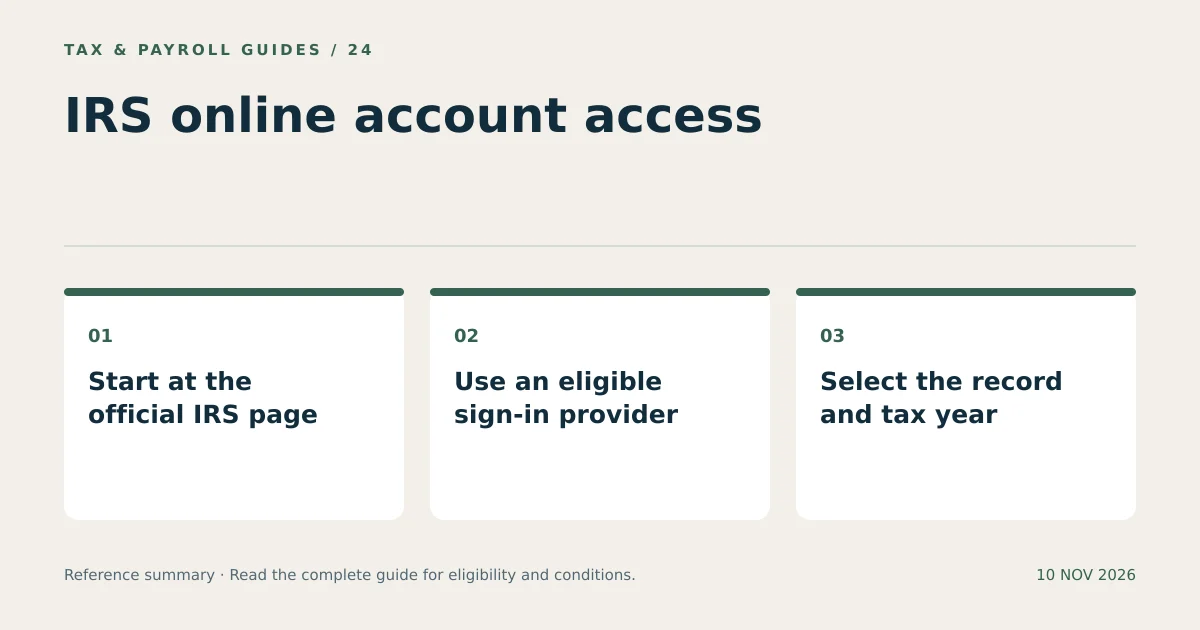
Start at IRS.gov and open Online Account for individuals. Use the sign-in or create-account button on that official page instead of entering personal information into an unverified search result or message.
The sign-in process can transfer you to the selected identity provider and then return you to the IRS service. Follow the route initiated from the official IRS page. Check the destination whenever a new page requests account details or identity documents.
A padlock alone does not prove that a website belongs to the IRS. Confirm the address and the purpose of the request. An unexpected message claiming that an immediate login is required to release a refund deserves independent verification through IRS.gov.
Does IRS Login Use Login.gov or ID.me?
The IRS’s current account-creation guidance supports Login.gov or ID.me. One account with an appropriate provider is sufficient; there is no need to create both merely to access the same IRS service.
The IRS directs certain users to ID.me, including people with an ITIN, people outside the United States, and people without a smartphone or tablet camera. Check the current eligibility and verification instructions before selecting a provider.
Using an existing provider account can simplify access, but prior use for another service does not necessarily complete IRS identity verification. Follow any additional verification requested through the official flow. Account creation and identity verification are separate steps.
What Do You Prepare Before Creating an IRS Online Account?
Prepare your personal contact information, the required taxpayer identifier, and the identity documents specified by the selected provider. The IRS account-creation page explains the current requirements for each route.
- Choose the individual service. Confirm that the task concerns your personal tax account.
- Select an eligible provider. Review the available Login.gov or ID.me route.
- Use an accessible personal email. Choose an address you control and expect to keep.
- Complete account security. Set a unique password and the required additional verification method.
- Verify identity. Submit the requested information only through the official provider process.
- Return to the IRS service. Confirm that the account displays your own information.
Keep recovery options current. Losing access to both an email address and a verification device can delay a later request for transcripts or payment records. Store recovery information securely without placing it in documents shared with a preparer.
What Can You See After an IRS Login?
The individual account provides access to available tax records, balances, payments, notices, and certain other account functions. The exact records displayed depend on the taxpayer’s history and the information the IRS has processed.
| Account area | Typical purpose | What to check |
|---|---|---|
| Tax records | Retrieve available transcripts and return information. | Select the correct record type and tax year. |
| Balances | Review amounts shown for particular tax years. | Identify the year and any recent unprocessed activity. |
| Payments | Review payment history or scheduled payments. | Match the amount, date, and applicable tax year. |
| Notices | Read available digital correspondence. | Read the notice instructions and response dates. |
| Authorizations | Review supported authorization requests. | Confirm the requester and the scope before approval. |
An online display is a record of available account information, not a substitute for reading the underlying notice or document. Save the relevant record when it supports a payment question, filing review, or response.
Can IRS Login Provide a W-2 or Wage and Income Transcript?
The IRS account lists access to available information-return documents, including Forms W-2 and certain 1099s, as well as transcripts. A wage and income transcript is not a photocopy of an employer-issued W-2.
A transcript summarizes information reported to the IRS. W-2 transcript data does not include state or local information, and current-year reporting can be incomplete. Inspect what document type is actually available instead of treating every download as interchangeable.
For example, a hypothetical taxpayer needs a state withholding amount for a prior year. A federal wage and income transcript may not supply that field. The employer-issued form or another appropriate employer record remains relevant to that specific missing information.
Likewise, the absence of an information return from an account does not establish that no income was received. Compare the available record with your own documents and ask the issuer about a missing or incorrect statement.
What Should You Do When IRS Login or Verification Fails?
Identify whether the problem concerns the sign-in provider, identity verification, or the IRS account after sign-in. Use the support route for the stage where the failure occurs.
A forgotten provider password requires provider account recovery. A verification mismatch requires the provider’s identity-verification guidance. An IRS page that opens but cannot show a particular tax record presents a different issue.
Read the error message and keep a non-sensitive description of it. Do not repeatedly create new accounts to bypass a mismatch. Check the selected provider and account identifier before restarting the process.
When a particular record is unavailable, verify the year and record type. Recently submitted documents and payments may not appear immediately. Use the IRS instructions for alternative record requests when online access cannot meet the need.
How Do You Protect an IRS Online Account?
Keep credentials private, use the available security protections, and review sensitive actions before confirming them. A tax preparer does not need your personal login password to receive records you choose to provide.
- Access the account from a trusted device.
- Use a unique password and protect the associated email account.
- Keep verification codes and recovery methods private.
- Review payment details and authorization requests before approval.
- Store downloaded tax records securely and sign out afterward.
For a joint return, each spouse’s individual account remains a personal account. Do not assume that marriage makes shared passwords appropriate. Use the supported authorization process for a professional’s access rather than surrendering account credentials.
An IRS login is a secure entry point to available tax records and account functions. The correct service, sign-in provider, document type, and tax year determine whether the retrieved information answers the task.
What Else Do Readers Ask About IRS Login?
Do I Need Both Login.gov and ID.me for IRS Login?
No. The IRS says one suitable account is sufficient. Choose the provider whose current verification requirements fit your situation and the IRS service being accessed.
Is an IRS Transcript the Same as My Original W-2?
No. A wage and income transcript summarizes reported information and omits state and local W-2 details. Review whether the account offers a transcript or an available information-return document.
Can My Tax Preparer Sign in with My Credentials?
Keep personal credentials and verification codes private. Supply selected records securely or use the IRS-supported authorization process for the preparer’s permitted access.